Track incidents with structure
Record what happened, when it happened, who it involved, and how strongly it hit. Each entry keeps the story organized instead of buried in scattered notes.
Timeline, emotions, intensity, context
Grudge App is a private memory vault for the stories you do not want to lose. Capture incidents, celebrate good deeds, attach photos and videos, add voice notes, and keep everything in a beautifully organized timeline that feels calm, sharp, and personal.
Built for people who want a cleaner way to track what happened, who it involved, how it felt, and whether the story ended in apology, resolution, or a lesson learned.
Grudge App gives you a private place to store both sides of the story: the difficult moments, the generous moments, the evidence, the context, and the progress. It is structured, elegant, and easy to revisit when you need the details fast.
Record what happened, when it happened, who it involved, and how strongly it hit. Each entry keeps the story organized instead of buried in scattered notes.
Save visual proof alongside the story. Video attachments show with thumbnails, so the moment is instantly recognizable before you even open it.
Speak the details before you forget them. Voice notes make it easy to preserve tone, timing, and the small details that written summaries miss.
The app is local-first, with secure sync for premium users. That means your timeline stays on your device first, then syncs only when you choose to use cloud features.
Track grudge records and good deeds in one calm interface. The split helps you stay honest about patterns without losing sight of generosity and repair.
Whether you are documenting a pattern, remembering a good moment, or tracking a resolution, the app turns messy emotions into a clean timeline you can actually use.
The screenshots are not just mockups. They show the exact experience: elegant dark surfaces, bold section titles, warm accent colors, and a timeline that feels more like a curated dossier than a cluttered notes app.
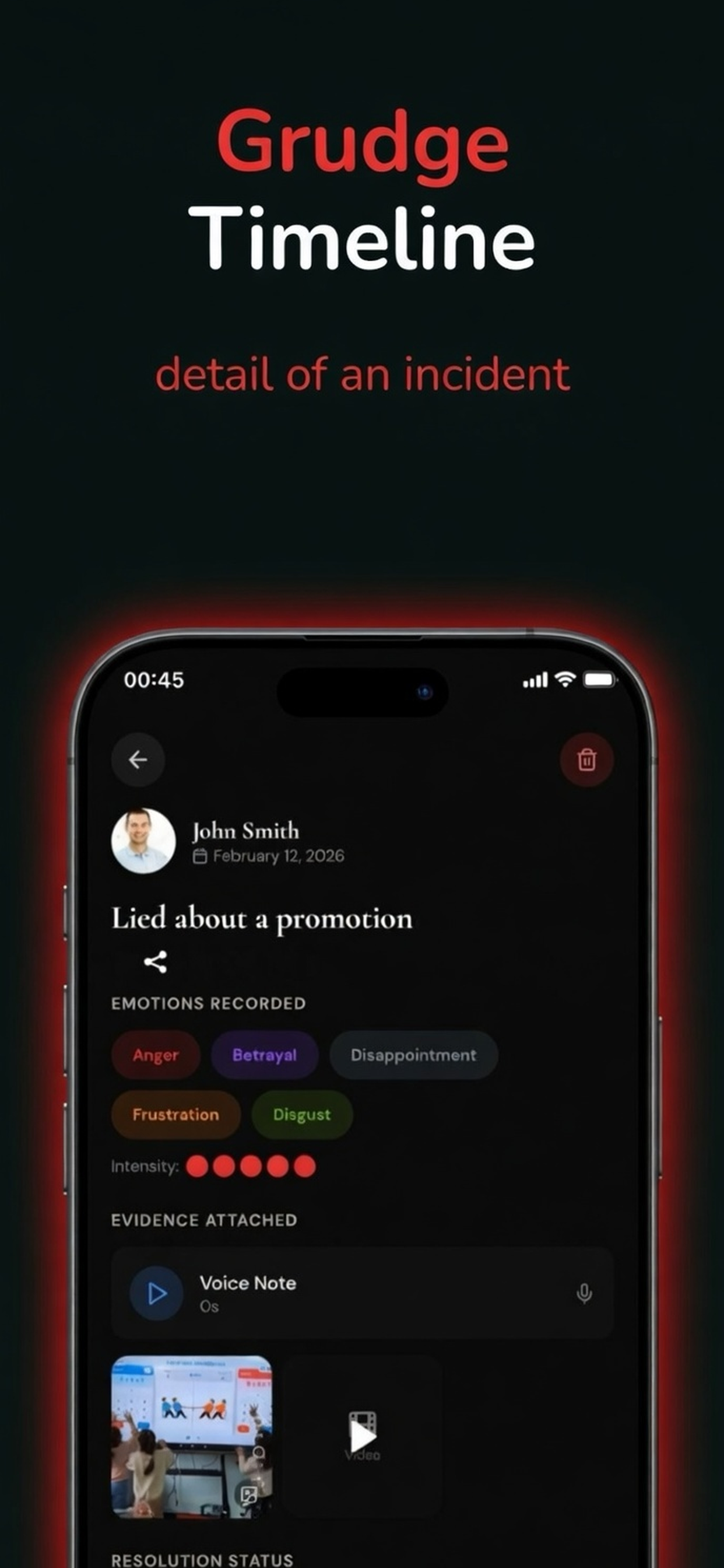
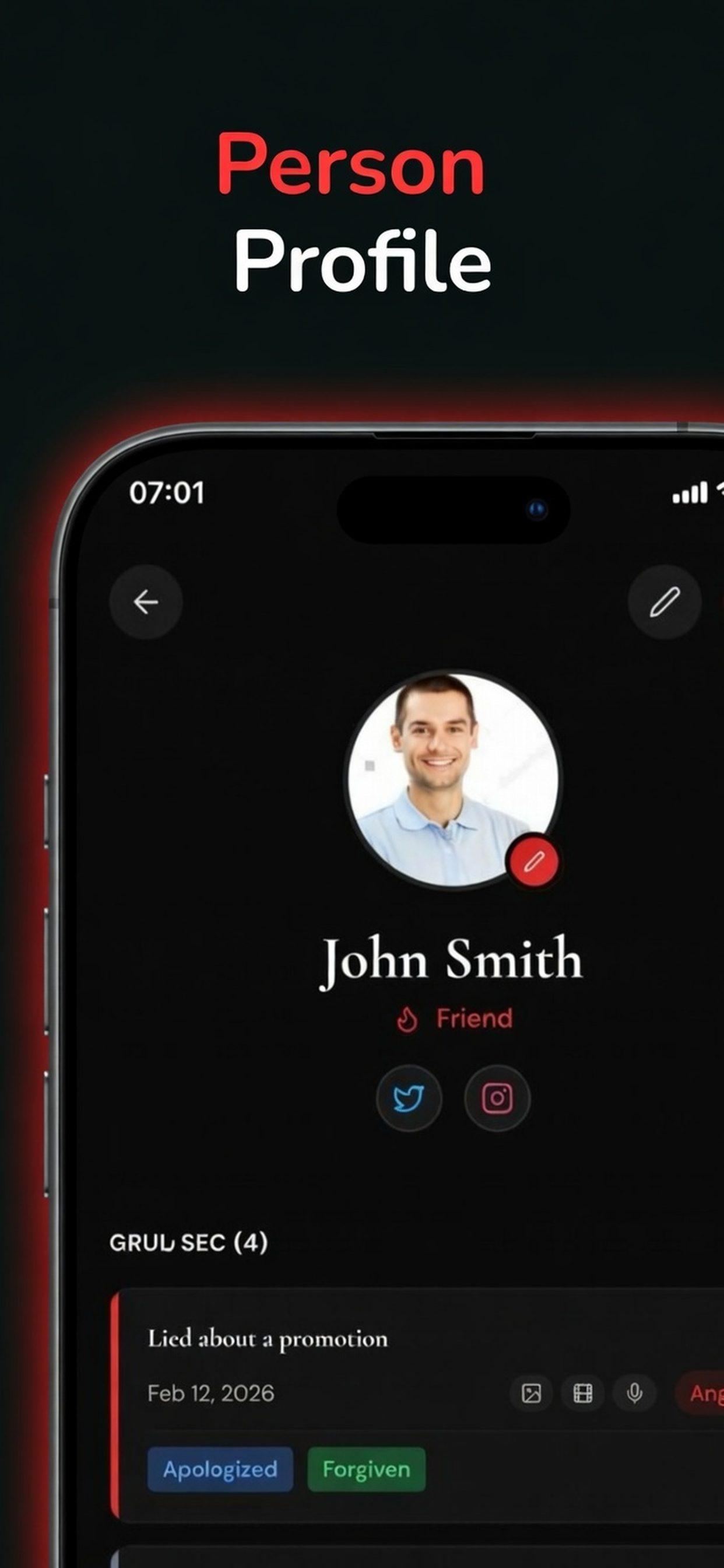
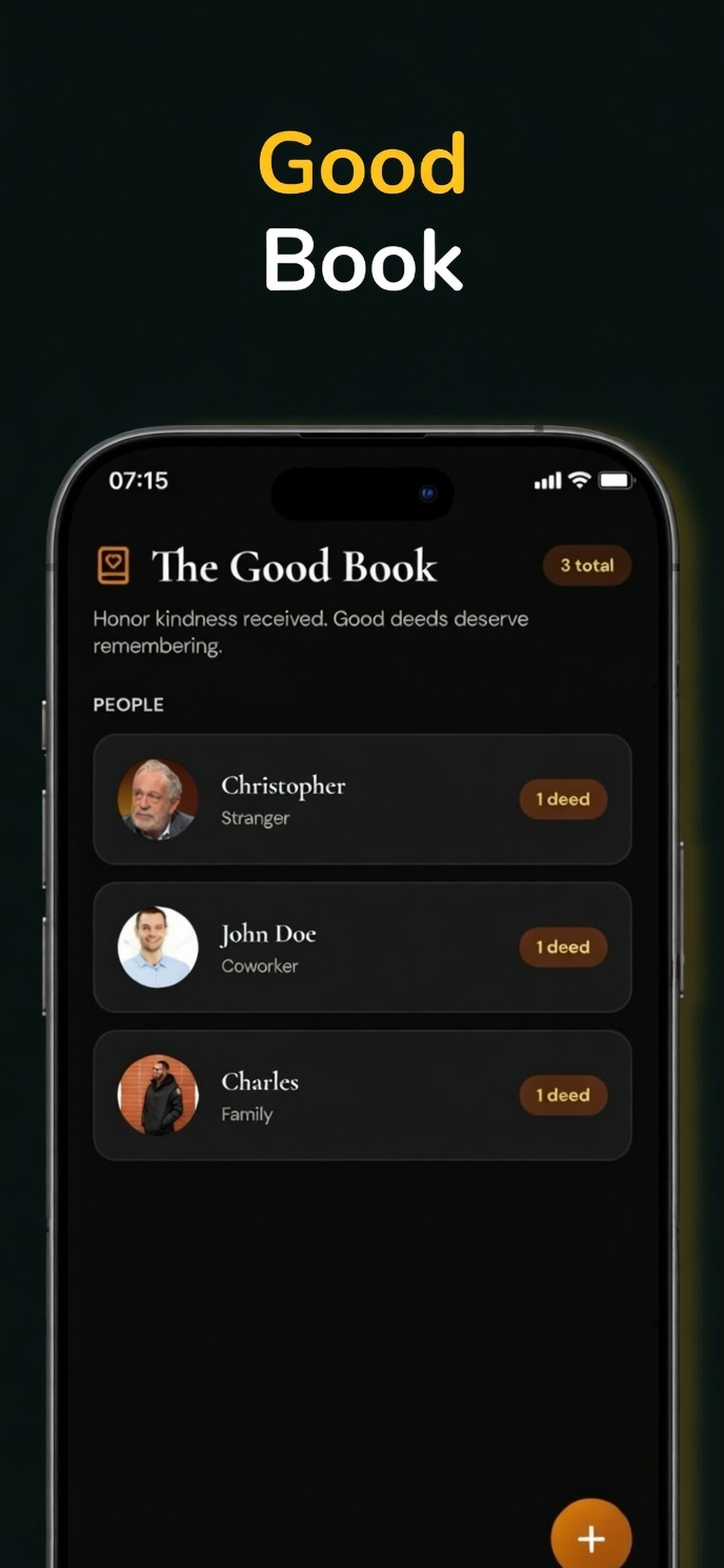
Open the app, create a record, attach the proof, and move on. The design keeps the process fast enough to use in real life, but polished enough to feel worth opening again and again.
Start a grudge entry when something went wrong or add a good deed when something deserves credit. The split keeps the meaning clear from the first tap.
Write the summary, record the date, choose emotions, set intensity, and optionally add the full story. Attach voice, photos, or video when context matters.
Open the timeline later to compare moments, remember what happened, or decide what happens next. Everything stays easy to scan and easy to trust.
The app is built around local-first data, secure account controls, and premium sync that only activates when you want cloud features. It is made to feel calm to use and safe to keep.
These are the most common questions a new visitor will have before installing. Keep the answers short, confident, and useful.
No. It supports both grudge tracking and good deeds, so users can hold on to painful details and positive moments in the same system.
Yes. Premium users can attach photos, videos, and voice notes, and video entries can show thumbnails for faster recognition.
The app is local-first and designed to keep your records close to you. Cloud sync is an option, not a requirement, and access is tied to your account.
Yes. In-app deletion is supported from Profile. On iPhone and iPad, the app requires a typed confirmation phrase before the request is processed.
If you want a place for the facts, the feelings, the receipts, and the wins, this is the app. It is elegant enough to feel premium and structured enough to be genuinely useful.